The Prompt Caching Trap: Why Your LLM Cache Hit Rate is Secretly 0%
The hidden engineering constraints behind LLM prompt caching — why your cache hit rate might be 0%, and how to fix prefix thresholds, dynamic prefixes, and cache_control flags.
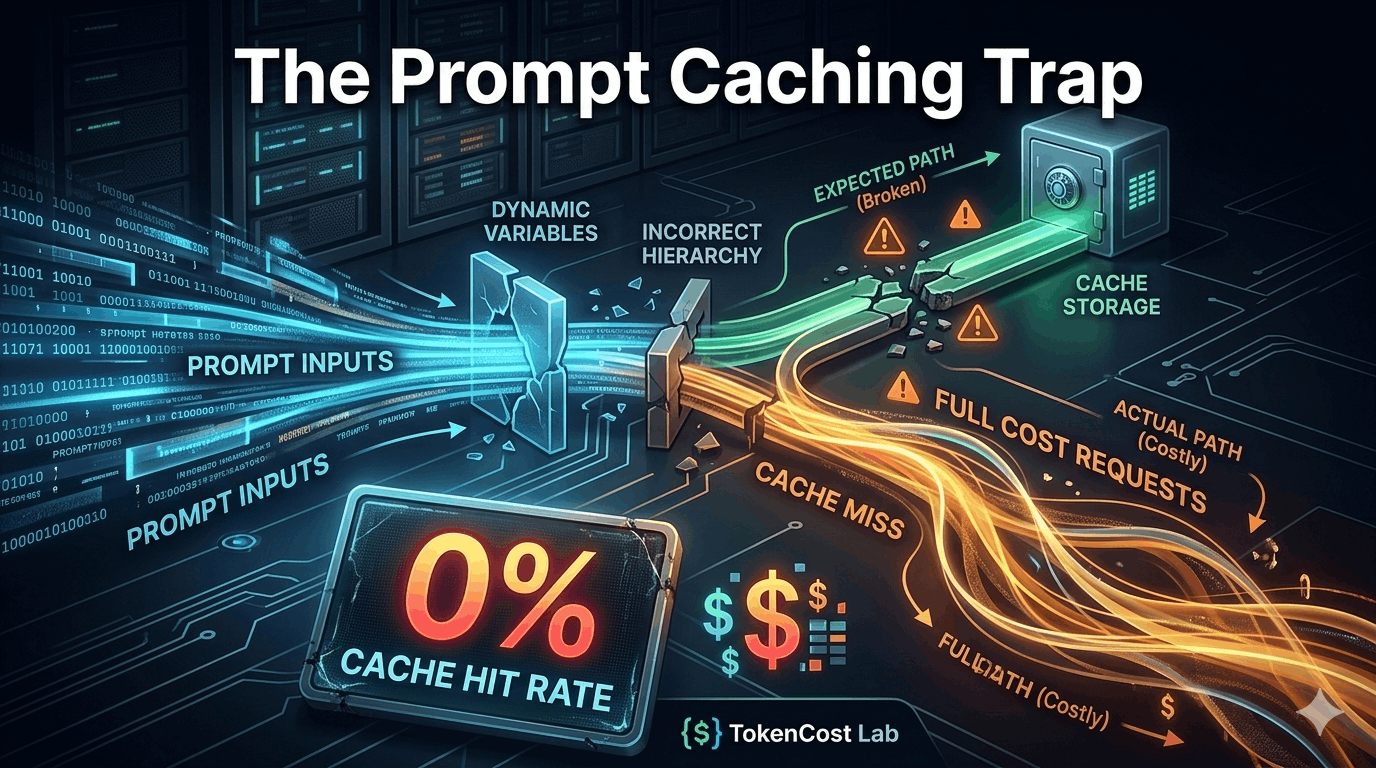
You saw the press releases from OpenAI and Anthropic. You read the marketing headlines promising up to 80% or 90% cost reductions via automatic Prompt Caching. Intrigued, you deployed your long-context agent pipelines, expecting your API bill to plummet.
A month passes. You open your billing console, and your jaw drops: Your token costs are exactly the same. Your cache hit rate is sitting at a devastating, flat 0%.
What went wrong? Big Tech loves to highlight the maximum potential savings of context caching, but they bury the strict, non-linear engineering constraints deep inside their API documentation.
If you don’t structure your prompts around provider-specific compiler mechanics, you are throwing money into a black hole. Let’s break down the hidden traps of LLM prompt caching and look at how to fix them.
Trap 1: The Invisible Thresholds (1K vs. 8K)
Most developers assume that if you send the same system prompt twice, the second run is automatically cached. This is a financial illusion. Prompt caching engines do not activate for small or medium payloads. They require a substantial “minimum activation mass” before the provider’s infrastructure bothers to commit your prefix to their fast-access memory tiers.
The Baseline Admission Limits
| Provider / Model | Minimum Prefix Length to Activate Cache | Cache Block Increments | Mechanism Type |
|---|---|---|---|
| OpenAI (GPT-4o, GPT-4o-mini) | 1,024 tokens | 128 tokens | Fully Automatic |
| Anthropic (Claude 3.5 Sonnet / Opus) | 8,192 tokens | 1 token | Manual (cache_control) |
| Anthropic (Claude 3.5 Haiku) | 2,048 tokens | 1 token | Manual (cache_control) |
Why This Destroys Your ROI Calculations
If you are using Claude 3.5 Sonnet for a customer service agent and your system prompt plus reference documentation totals 7,500 tokens, your cache hit rate will be 0% every single time. Because you haven’t crossed the magic 8,192 token threshold, Anthropic charges you the full, un-cached rate ($3.00/M tokens) on every single turn of the conversation. You are missing out on a 90% discount ($0.30/M tokens cached) simply because your prompt is 700 tokens too short.
Trap 2: The “Dynamic Prefix” Death Blow
LLM caching engines rely on a strict prefix-matching tree. The cache looks at your prompt from left to right. The absolute moment it encounters a single character that changes between requests, the evaluation stops, and the entire remainder of the prompt is treated as a cache miss.
Look at this seemingly innocent chat structure:
// WRONG: The Dynamic Variable Kills the Entire Cache Tree
[
  {"role": "user", "content": "Current Time: 2026-05-28 10:14:02. User ID: 9482"},
  {"role": "system", "content": "[Massive 15,000-token corporate knowledge base here...]"},
  {"role": "user", "content": "Analyze our latest quarterly metrics."}
]
Because the Current Time and User ID sit at the very top of the payload, the evaluation engine immediately flags a mismatch at token position #1. The massive 15,000-token corporate knowledge base that follows is completely ignored by the cache.
The Fix: Invert the Hierarchy
To achieve a high cache hit rate, your prompt payload must be structurally sorted from most static to most dynamic:
// CORRECT: Static Prefix Floats to the Top
[
  {"role": "system", "content": "[Massive 15,000-token corporate knowledge base here...]", "cache_control": {"type": "ephemeral"}},
  {"role": "user", "content": "Current Time: 2026-05-28 10:14:02. User ID: 9482"},
  {"role": "user", "content": "Analyze our latest quarterly metrics."}
]
How TokenCost Lab Solves This: The Algorithm Modifier
When we were building the cost simulator for TokenCost Lab, we realized that standard flat-rate calculators are fundamentally broken. If an enterprise team inputs their average prompt length into a naive calculator, it multiplies the tokens by the cached discount rate and spits out a wildly inaccurate, overly optimistic ROI forecast.
We engineered a dedicated Prompt Caching Algorithm Modifier directly into our calculation engine. It doesn’t take your word for it — it audits the exact structural mechanics of your API parameters.
interface PromptPayload {
  tokens: number;
  provider: 'openai' | 'anthropic';
  model: string;
  hasCacheControl: boolean;
  prefixOrderedCorrectly: boolean;
}

export function calculateTrueCachingROI(payload: PromptPayload): number {
  const { tokens, provider, model, hasCacheControl, prefixOrderedCorrectly } = payload;

  // Rule 1: Structural order validation
  if (!prefixOrderedCorrectly) return 0; // Dynamic data broke the prefix tree

  // Rule 2: Provider threshold validation
  if (provider === 'anthropic') {
    if (!hasCacheControl) return 0; // Forgot to pass ephemeral flag

    if ((model.includes('sonnet') || model.includes('opus')) && tokens < 8192) {
      return 0; // Under the 8K activation mass
    }
    if (model.includes('haiku') && tokens < 2048) {
      return 0; // Under the 2K activation mass
    }
  }

  if (provider === 'openai' && tokens < 1024) {
    return 0; // Under OpenAI's 1K automatic threshold
  }

  // If all validation passes, apply the non-linear discount matrix
  return provider === 'anthropic' ? 0.90 : 0.50;
}
By adding this mathematical modifier to our system, our sandbox simulator can tell you exactly when to intentionally append dummy padding data to your system prompt to cross the threshold, or when to split a prompt to force a cache hit.
Production Takeaways for AI Architects
- Pad Intentionally: If your core prompt is hanging around 7,500 tokens on Anthropic, consider adding comprehensive examples, stricter edge-case guidelines, or raw technical documentation to intentionally push it past 8,192 tokens. Spending money to add 700 tokens can slash your total bill by 90%.
- Isolate the Variables: Keep user-specific data, system times, random seeds, and chat history at the absolute bottom of your request payload.
- Audit Before Deploying: Stop guessing your cache hit rates based on vague provider graphs. Paste your prompt structures into the TokenCost Lab Sandbox to see exactly where your prefix matching breaks down before you ramp up production traffic.
Published by the TokenCost Lab Engineering Team. Auditing compute, protecting margins.